


How To Read GPS Coordinates Like a Pro: A Complete Guide
Key Takeaways
-
01 Latitude always comes first in GPS coordinates and measures distance north or south of the Equator.
-
02 Decimal Degrees format is the simplest and most widely used system for digital GPS applications.
-
03 Degrees Minutes Seconds is the most precise format used in mapping surveying and navigation.
-
04 Negative coordinate values indicate south of the Equator or west of the Prime Meridian respectively.
-
05 GPS coordinate formats can be converted between DMS DMM and DD using online tools or simple formulas.
Reading & Understanding GPS Coordinates- A Step-by-Step Guide
When you first see a pair of GPS coordinates, it’s totally normal to feel a little confused. These numbers represent latitude and longitude, which are based on the Earth's complex grid system. But there’s a simple way to conquer this confusing grid, and it starts here.
I've spent more than 15 years working with GPS trackers across vehicles, equipment, and fleet operations, and one thing I've noticed is that GPS coordinates intimidate a lot of people at first.
You look at a string of numbers and symbols and wonder what any of it means. The good news is reading GPS coordinates is much easier than most people think.
In this guide, I'll show you exactly how I read GPS coordinates in the field, explain what latitude and longitude mean, and break down the three coordinate formats you'll see most often: DMS, DMM, and Decimal Degrees. By the end, you'll be able to look at a set of coordinates and understand exactly what they're telling you.
How To Read GPS Coordinates: Understand Latitude and Longitude
To read GPS coordinates correctly, you need to understand two things: latitude and longitude. Latitude tells you how far north or south a location is from the Equator, while longitude tells you how far east or west it is from the Prime Meridian. Together, they pinpoint any location on Earth with remarkable accuracy.
I've found that once people understand these two concepts, GPS coordinates stop looking like random numbers and start making sense. Let's break them down one at a time.

What Is Latitude?
Latitude lines, often visualized as running horizontally, circle the Earth parallel to the Equator. These lines are crucial because they indicate how far north or south you are from the Equator, measured in degrees. Think of the Equator as the starting point, marked as 0 degrees. From there, latitude increases up to 90 degrees both north and south. Locations at 90 degrees North are at the North Pole, and similarly, 90 degrees South is at the South Pole.
When I'm setting up GPS trackers for fleet vehicles, latitude is usually the first thing I check because it immediately tells me how far north or south a vehicle is relative to the Equator.
Why does this latitude for reading GPS coordinates?
Knowing a place’s latitude gives you its position along the north-south axis of the Earth. This information is vital because it helps determine climate, time zones, and even the likelihood of seeing the Northern or Southern Lights. When you’re navigating, understanding latitude ensures you’re moving along the correct vertical path on the globe.
What Is Longitude?
Longitude lines run vertically around the Earth, intersecting at both the North and South Poles. These lines indicate how far east or west a location is from the Prime Meridian, which is designated as 0 degrees. The Prime Meridian runs through Greenwich, England, serving as the reference point for longitudinal measurement.
Longitude is essential for reading GPS coordinates because it determines a location’s position on the Earth’s east-west axis. This helps in navigation, ensuring you’re on the right horizontal path to your destination. Longitudinal information is critical not just for global positioning but also for time zone calculations, making it indispensable for accurate GPS reading.
With both latitude and longitude, you can pinpoint any location on Earth. This grid system of coordinates allows GPS devices to provide precise navigation instructions. Understanding the basics of latitude and longitude is the first step in demystifying how to read GPS coordinates. This knowledge empowers you to navigate confidently, whether you’re exploring unfamiliar cities or venturing into remote wilderness areas.
In real-world tracking, I think of longitude as the second half of the address. Latitude gets me in the neighborhood. Longitude helps me pinpoint the exact spot. Now that you understand how latitude and longitude work together, let's look at the different ways GPS systems display those coordinates.
The 3 GPS Coordinate Formats: DMS, DMM and DD
Let’s take a closer look at the three main GPS coordinate formats: Degrees, Minutes, Seconds (DMS), Degrees and Decimal Minutes (DMM), and Decimal Degrees (DD). Getting the hang of these formats is important if you want to read GPS coordinates accurately. Each format has its own way of pinpointing locations, so you can choose the one that works best for you. Once you’re familiar with DMS, DMM, and DD, you’ll feel more confident reading GPS coordinates, which is a key step in mastering navigation.
What Is the DMS (Degrees, Minutes, Seconds)Coordinate Format?
The Degrees, Minutes, Seconds (DMS) format is a cornerstone of geographical navigation, tracing its origins back to the early days of exploration. This format is highly precise, breaking down the Earth’s surface into degrees, minutes, and seconds to offer a detailed representation of location. Here’s a closer look at each component:
- Degrees (°). The starting point of the DMS format. Degrees represent the largest unit of measurement in this system, with the Earth’s circumference divided into 360 degrees. This division helps in denoting the distance from the equator (for latitude) or the Prime Meridian (for longitude).
- Minutes (‘). Each degree is further divided into 60 minutes. A minute of latitude or longitude represents 1/60th of a degree. This allows for a finer breakdown of the geographical position, enhancing the detail beyond the broad strokes provided by degrees alone.
- Seconds (“). For an even more precise location, each minute is divided into 60 seconds. This division offers a high level of detail, essential for pinpointing specific locations on the Earth’s surface.
An example to illustrate the DMS format is the GPS coordinates of the Statue of Liberty, which are approximately 40° 41′ 21″ N, 74° 2′ 40″ W. This means the statue is located 40 degrees, 41 minutes, and 21 seconds north of the Equator, and 74 degrees, 2 minutes, and 40 seconds west of the Prime Meridian.
In my experience, DMS is the format most people recognize because it's the one you'll often see on printed maps, survey documents, and older navigation systems. DMS is also the format I use when I need the highest level of precision. The tradeoff is that it's a little slower to read than Decimal Degrees.
To learn more about the DMS format and how to use it effectively, please visit U.S. Geological Survey’s website here: U.S. Geological Survey (USGS

What Is the DMM (Degrees and Decimal Minutes) Coordinate Format?
The Degrees and Decimal Minutes (DMM) format strikes a balance between precision and simplicity. It’s a blend of the Degrees, Minutes, Seconds (DMS) system and Decimal Degrees (DD), marrying traditional navigation with modern convenience. In DMM, we still use degrees and minutes, but we simplify by converting seconds into a decimal fraction of a minute. Here’s the structure:
- Degrees (°): Like in DMS, degrees indicate the broad geographical position either north or south of the Equator, or east or west of the Prime Meridian.
- Decimal Minutes (‘): Instead of further dividing minutes into seconds, we express the fraction of a minute in decimal form. This method retains precision while simplifying calculations and data entry.
An example in DMM could be 40° 41.35′ N, 74° 2.667′ W. The decimal points (.35 and .667) represent the fraction of a minute, making the format more straightforward to read and use, especially in digital systems.
DMM is especially useful for those who require a balance between the detailed precision of DMS and the simplicity of DD. Therefore, it’s widely used in marine navigation, where quick, yet accurate, readings are crucial. Additionally, many GPS devices offer settings to display coordinates in DMM, making it a versatile choice for travelers and professionals alike.
The adoption of DMM reflects a move towards easier digital input while maintaining enough detail for accurate geographical positioning. It simplifies data entry and reduces the chance for errors in reading or recording positions, proving invaluable in fields like emergency response, where every second counts.
What Is the Decimal Degrees (DD) Format?
Decimal Degrees (DD) format is the most straightforward way to express GPS coordinates. Basically, it converts the traditional Degrees, Minutes, Seconds (DMS) into a single decimal number for both latitude and longitude. This simplicity makes it highly favored for digital use. Here are some key points about DD:
- Simplicity: Latitude and longitude are shown as decimal numbers. This eliminates the need to work with minutes and seconds.
- Digital Friendly: Ideal for mapping software and GPS applications. Its simplicity allows for easy integration into digital platforms.
An example of DD in action is the GPS coordinates of the Statue of Liberty: 40.689167, -74.044444. These numbers directly represent the statue’s location without the need for further breakdown into minutes and seconds.
DD’s popularity stems from its ease of use in calculations and digital applications. For example, it’s particularly useful for web developers, data analysts, and anyone working with geo-spatial technologies. Why? The format streamlines data entry, processing, and analysis, making it indispensable in the digital age.
In sum, Decimal Degrees is a user-friendly format that demystifies GPS coordinates for digital natives and professionals alike, offering an accessible entry point into the world of geo-spatial data.
Decimal Degrees is my favorite format to work with because it's fast. No minutes, no seconds, and no extra math. If GPS coordinate formats had personalities, Decimal Degrees would be the person who shows up five minutes early and already has the answer.
If you want to see Decimal Degrees working in real time rather than as a static example, a GPS tracker connected to your vehicle updates live DD coordinates on your phone every few seconds. That's exactly what the SpaceHawk GPS tracker does, and it requires zero installation beyond plugging into the dashboard port.

Reading GPS Coordinates Simplified
Let's put everything together.
When I'm teaching someone how to read GPS coordinates for the first time, I tell them to focus on one thing: don't try to memorize everything at once.
Start with latitude first and then move to longitude. Once that becomes second nature, the different coordinate formats become much easier to understand. First imagine the Earth wrapped in a grid, with lines of latitude and longitude marking every spot. This grid helps create GPS coordinates, letting us find any location accurately. Here’s how to make sense of those coordinates, aimed at keeping things simple, as if explaining to a teenager.
Latitude Comes First: In the world of GPS, latitude always takes the lead. For example, if you see “27° N, 53° W,” it means the spot is 27 degrees north of the Equator and 53 degrees west of the Prime Meridian. Always remember: Latitude before Longitude.
Understanding the Numbers: You might notice GPS coordinates often have more than just two numbers. That’s because the Earth isn’t neatly divided by these lines. For better precision, we split each degree of latitude and longitude into smaller parts. Here’s where it gets a bit trickier but stick with me.
The Three Formats:
- Degrees, Minutes, Seconds (DMS): Looks like “20° 30′ 15″ N, 50° 45′ 30″ W.” Think of it as a detailed breakdown of each degree into minutes and seconds for pinpoint accuracy.
- Decimal Degrees (DD): Simplified to “20.5042° N, 50.7583° W.” Here, fractions of a degree give us the location. It’s straightforward and used widely.
- Degrees and Decimal Minutes (DMM): A mix of the two, like “20° 30.25′ N, 50° 45.50′ W.” It combines whole degrees with minutes broken down into decimals.
Positives and Negatives
Sometimes, instead of N, S, E, or W, coordinates use positive and negative numbers. Positive for North and East, negative for South and West. So, if you’re looking at “-20.5042, -50.7583,” it’s 20.5042° South and 50.7583° West.
When you read GPS coordinates:
- Start with latitude: positive (or N) means north of the Equator, negative (or S) means south.
- Then move to longitude: positive (or E) means east of the Prime Meridian, negative (or W) means west.
- Choose your format (DMS, DD, DMM) based on what’s required or preferred.
Remember, it’s like reading a map, but with numbers guiding you. With practice, these coordinates will become second nature, easily leading you to any desired spot on the globe. And now, you know how to read GPS coordinates! Finally, let’s close by answering some frequently asked questions!
How Would I Read These GPS Coordinates?
40.689167, -74.044444
Here's how I'd interpret them:
• 40.689167 = north of the Equator
• -74.044444 = west of the Prime Meridian
• The location is the Statue of Liberty in New York
That's the exact process I use whenever I look at a new set of coordinates.
Conclusion
GPS coordinates might look complicated at first, but they become much easier to understand once you know how latitude and longitude work together. Whether you're reading coordinates in Degrees Minutes Seconds (DMS), Degrees and Decimal Minutes (DMM), or Decimal Degrees (DD), each format serves the same purpose: pinpointing an exact location anywhere on Earth.
The key is remembering that latitude always comes first, longitude comes second, and coordinate formats can be converted whenever needed. A little practice goes a long way. Before long, you'll be able to read coordinates, identify locations, and use GPS data with confidence.
And while understanding coordinates is useful, modern GPS technology does most of the heavy lifting for you. GPS trackers automatically capture and display location data in real time, making it easy to monitor vehicles, assets, or equipment without manually interpreting numbers. Knowing how coordinates work behind the scenes simply gives you a deeper understanding of the technology you rely on every day.
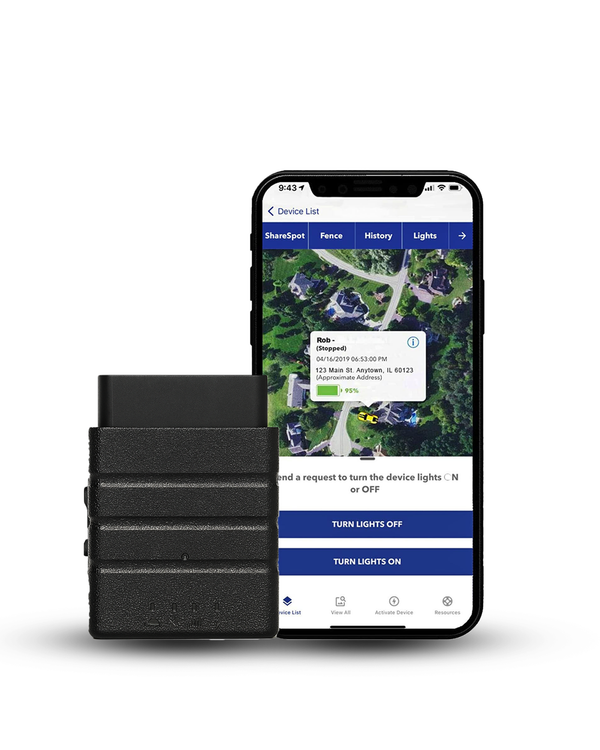
Now that you understand how GPS coordinates pinpoint locations, the next step is seeing them in action. A GPS tracker automatically captures and displays live coordinates on an interactive map, so you can monitor a vehicle's exact location in real time without manually interpreting latitude and longitude. Open the app, view the map, and see every movement as it happens.
Learning how to read GPS coordinates is useful, but seeing them update live on a map makes everything easier.
Konnect OBD2 GPS Tracker automatically converts latitude and longitude data into a real-time vehicle location, allowing you to follow every movement without manually interpreting coordinate formats.
See GPS Coordinates Live On Your Phone
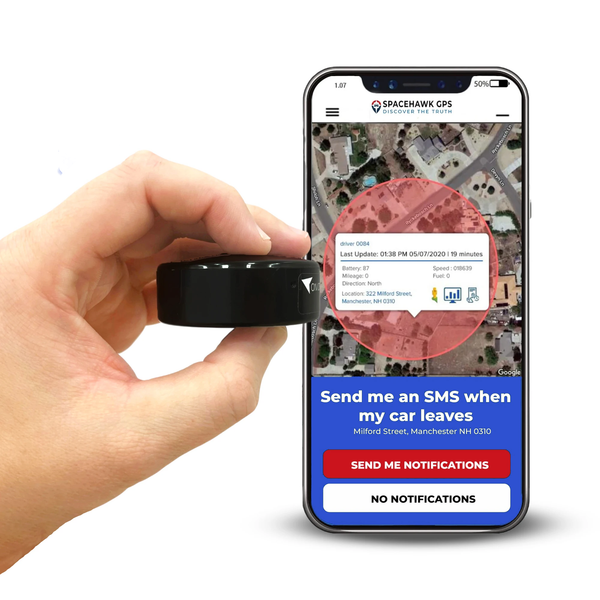
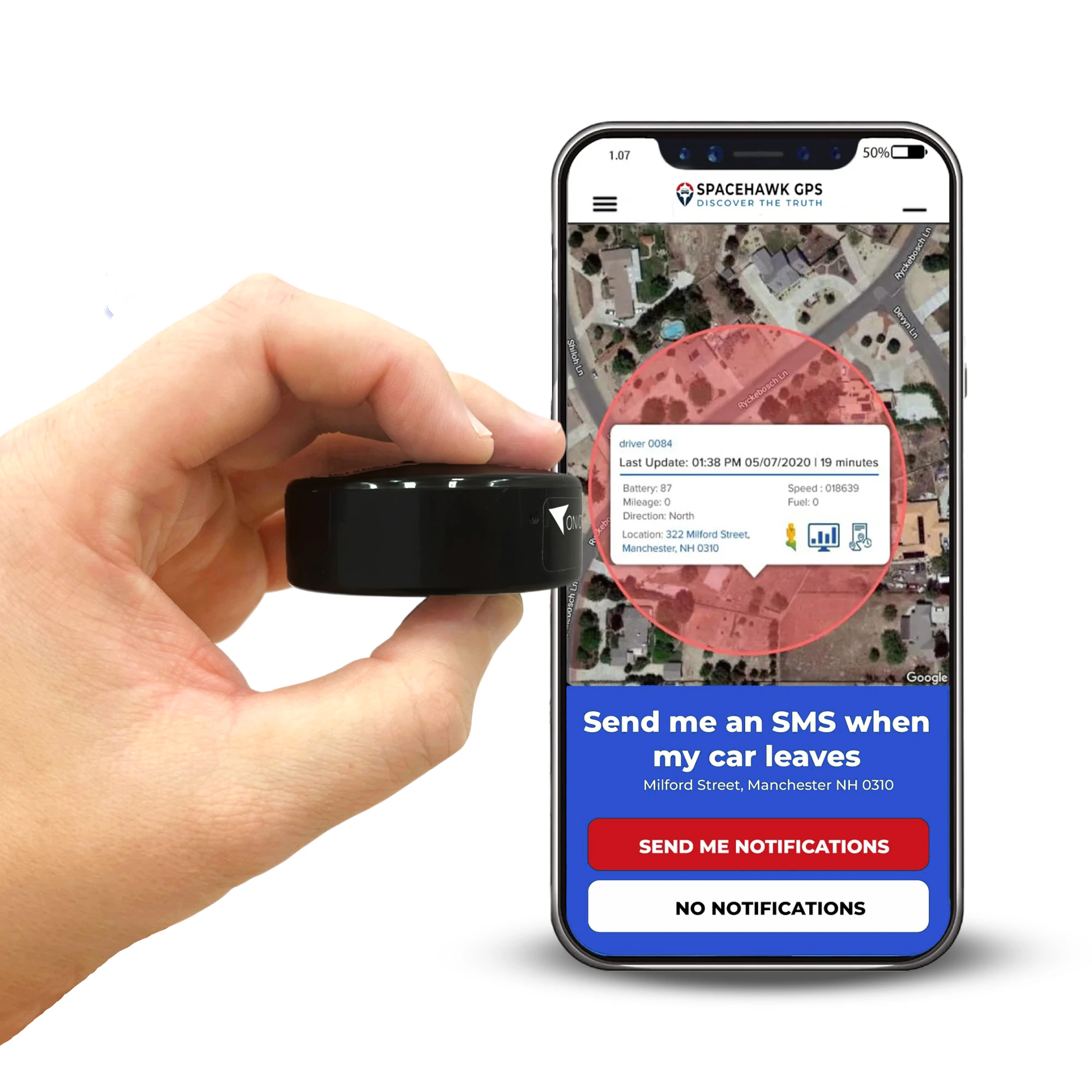
If you want to see GPS coordinates working beyond a vehicle's dashboard port, SpaceHawk GPS offers a flexible solution. This compact tracker displays live coordinate data and real-time map locations for vehicles, equipment, trailers, and other valuable assets, making it easy to understand exactly where something is at any moment.

 Buy on Amazon